
QR menu and website for your venue
Guests scan the QR code on the table and see the menu with photos and prices. No apps, and no paper menus to reprint every time prices change.
How it works
Scan the QR code
The code sits on the table, by the till or in the display case. The phone camera opens the menu in a second.
Choose dishes
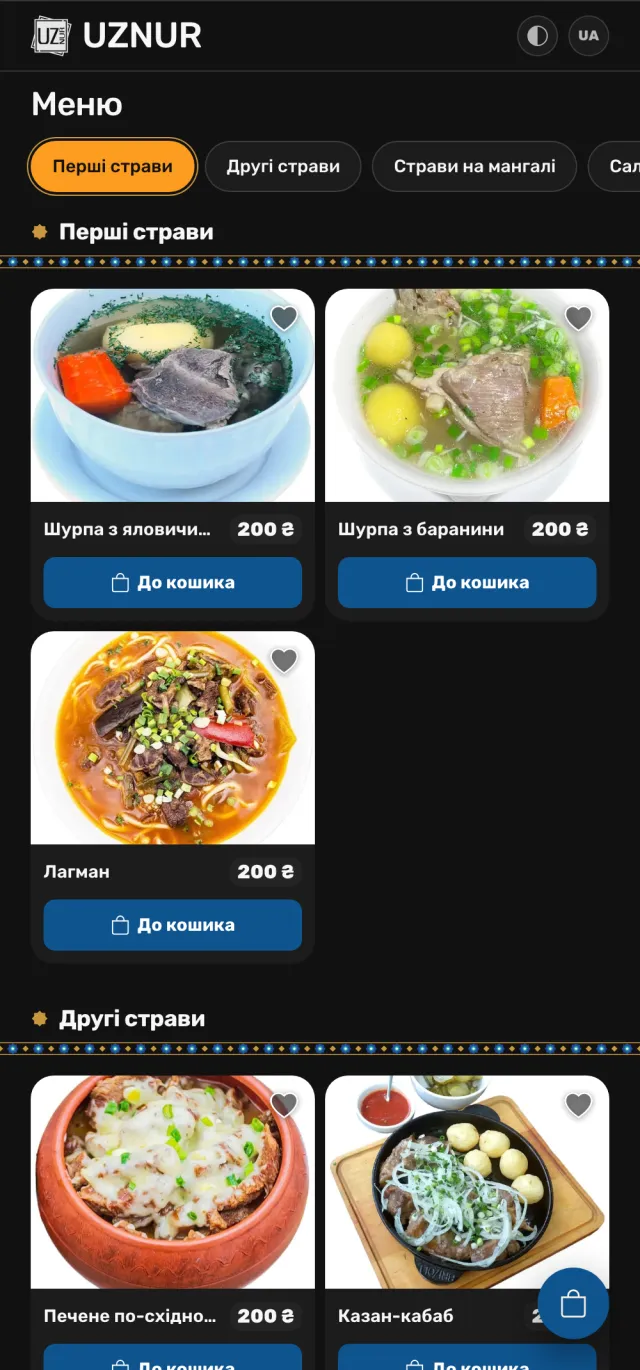
Categories, photo, description and price for every dish. Like something - add it to favourites.
Order
On the ordering plan, guests add dishes to the cart and place the order right on the website.
Two options
The price depends on the plan and the number of venues - a manager will quote it after your request.
QR menu
A menu to browse in the dining room
- QR codes for tables
- Categories, photo, description and price of dishes
- Favourites
- Ukrainian and Russian
- Styled in your venue's brand colours
- Prices change without reprinting the menu
Menu + ordering
A full website for your venue
- Everything in the "QR menu" plan
- Cart and checkout
- A "Delivery and payment" page
- Several venues with the nearest one picked
- "About us" and contacts pages, opening hours, social media
- Runs on your venue's own domain
Already live
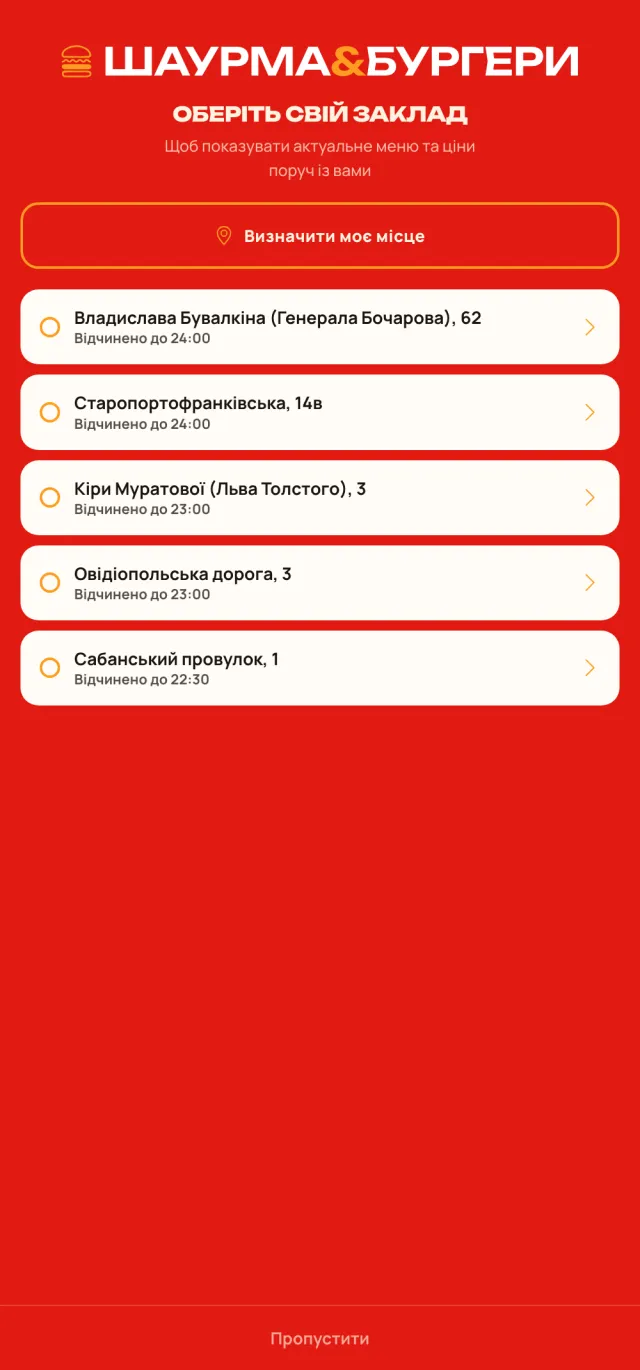
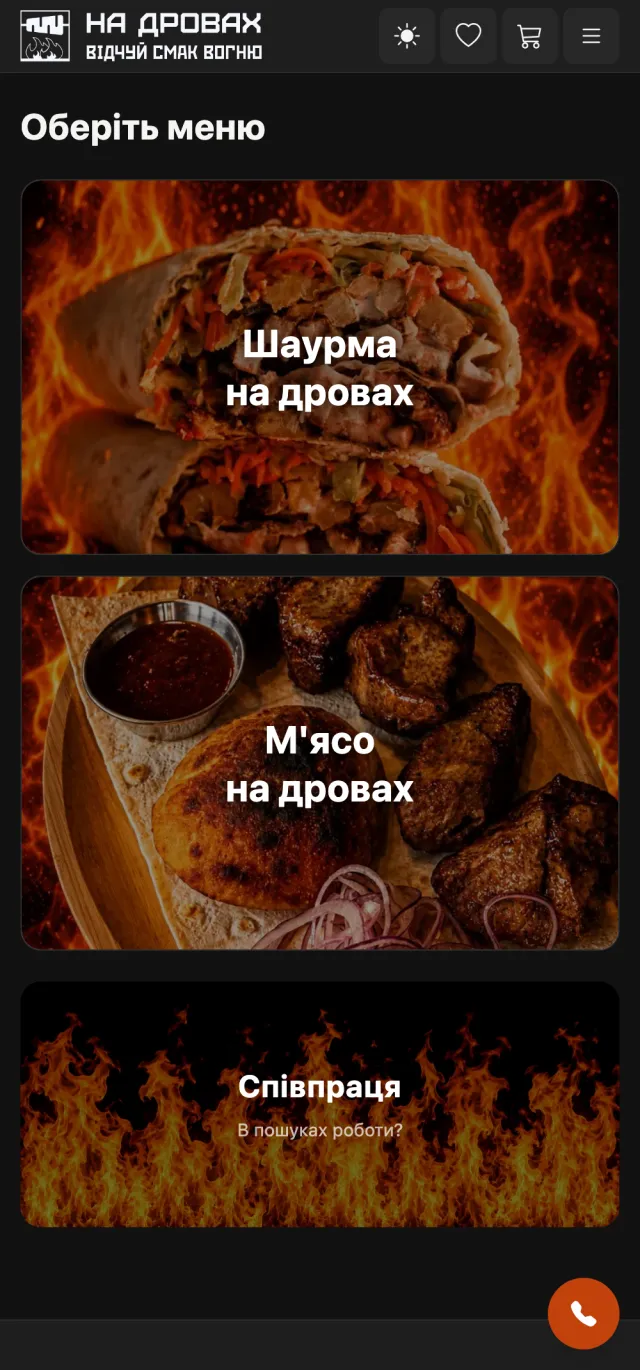
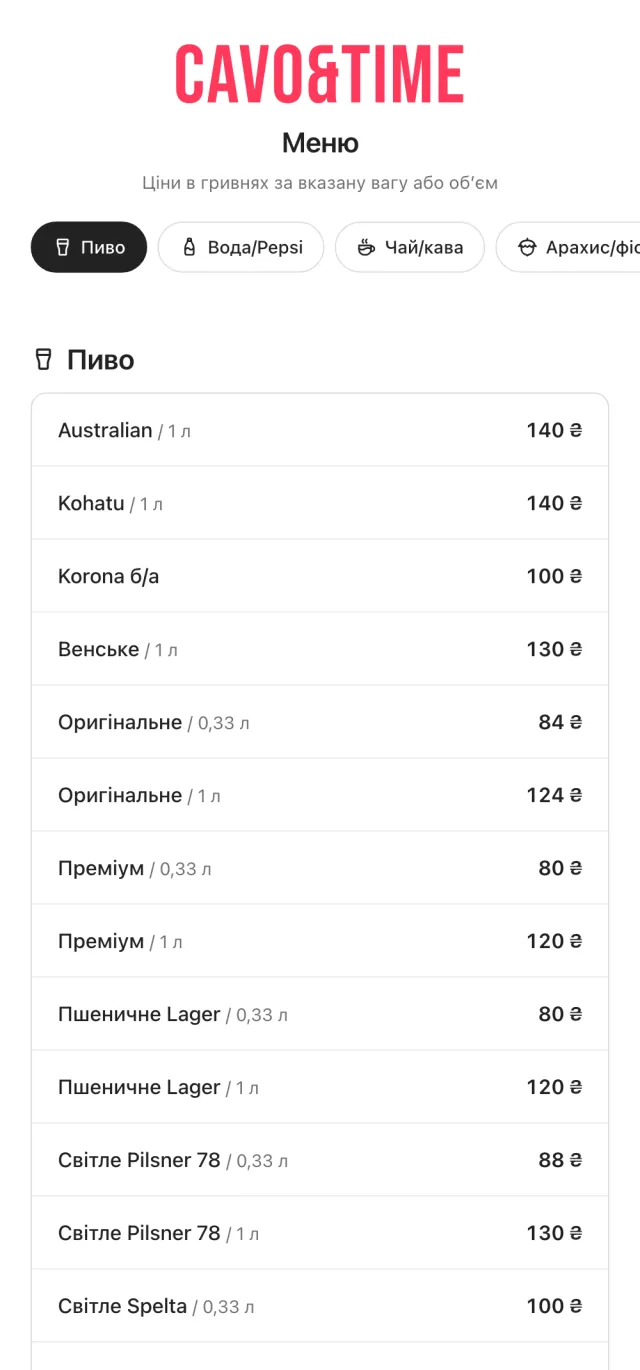
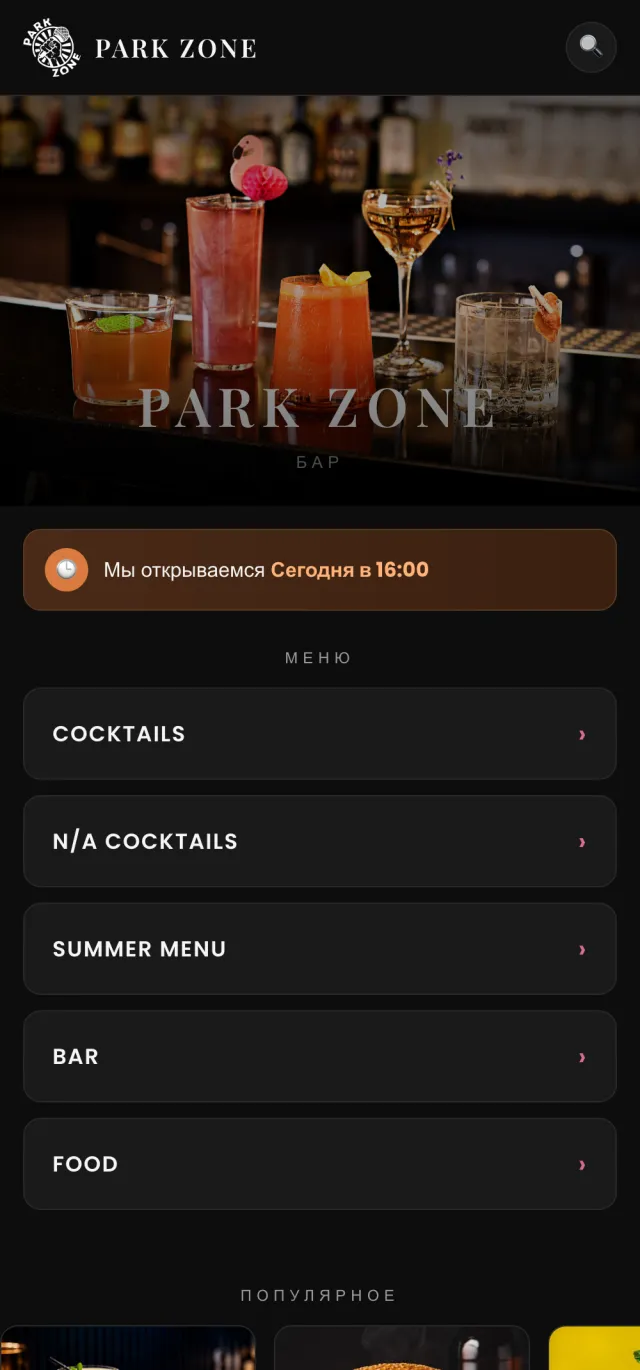
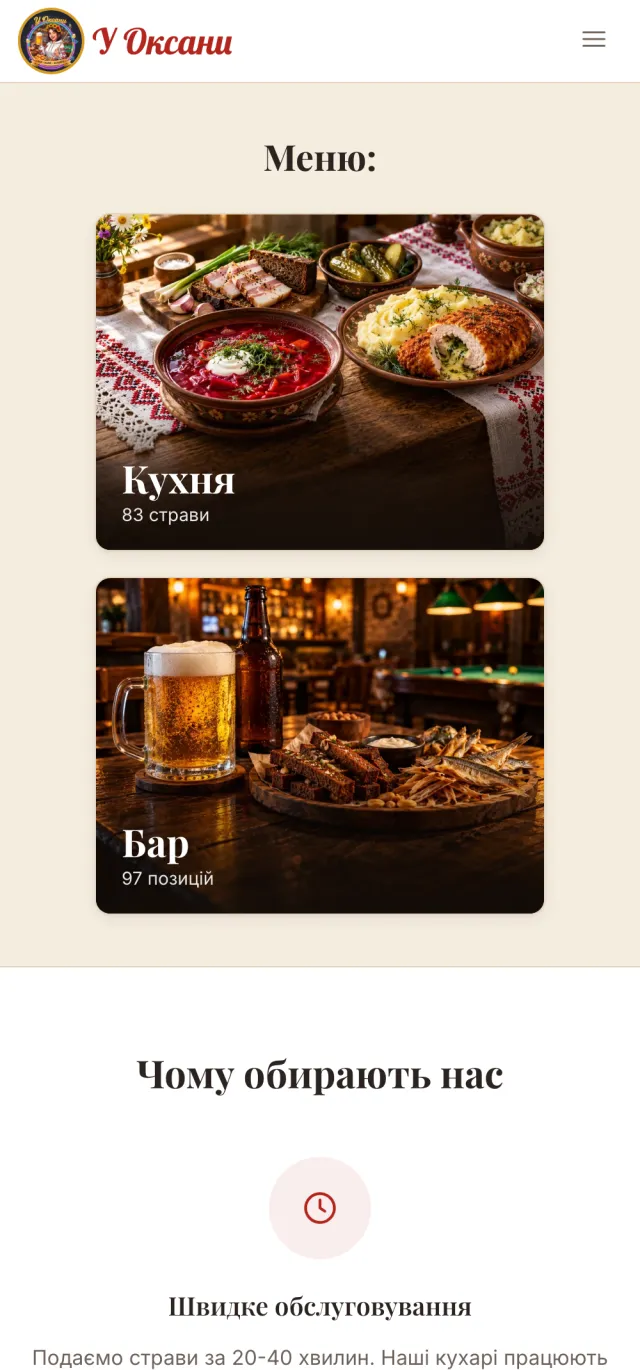
Open our clients' menus on your phone - this is how guests see them.
FAQ
Do guests need to install an app?
No. The menu opens in the phone's browser right after scanning the QR code.
Can the menu run on our own domain?
Yes. For example, shaurma-burger.com and na-drovax.food run on the venues' own domains.
How much does it cost?
It depends on the plan and the number of venues. Leave a request - a manager will get in touch and give you a price.